Sign in and sign out
Ha Tang has no passwords. Sign in with a 6-digit code sent to your email, or with Apple, Google or GitHub.
Updated on
On this page
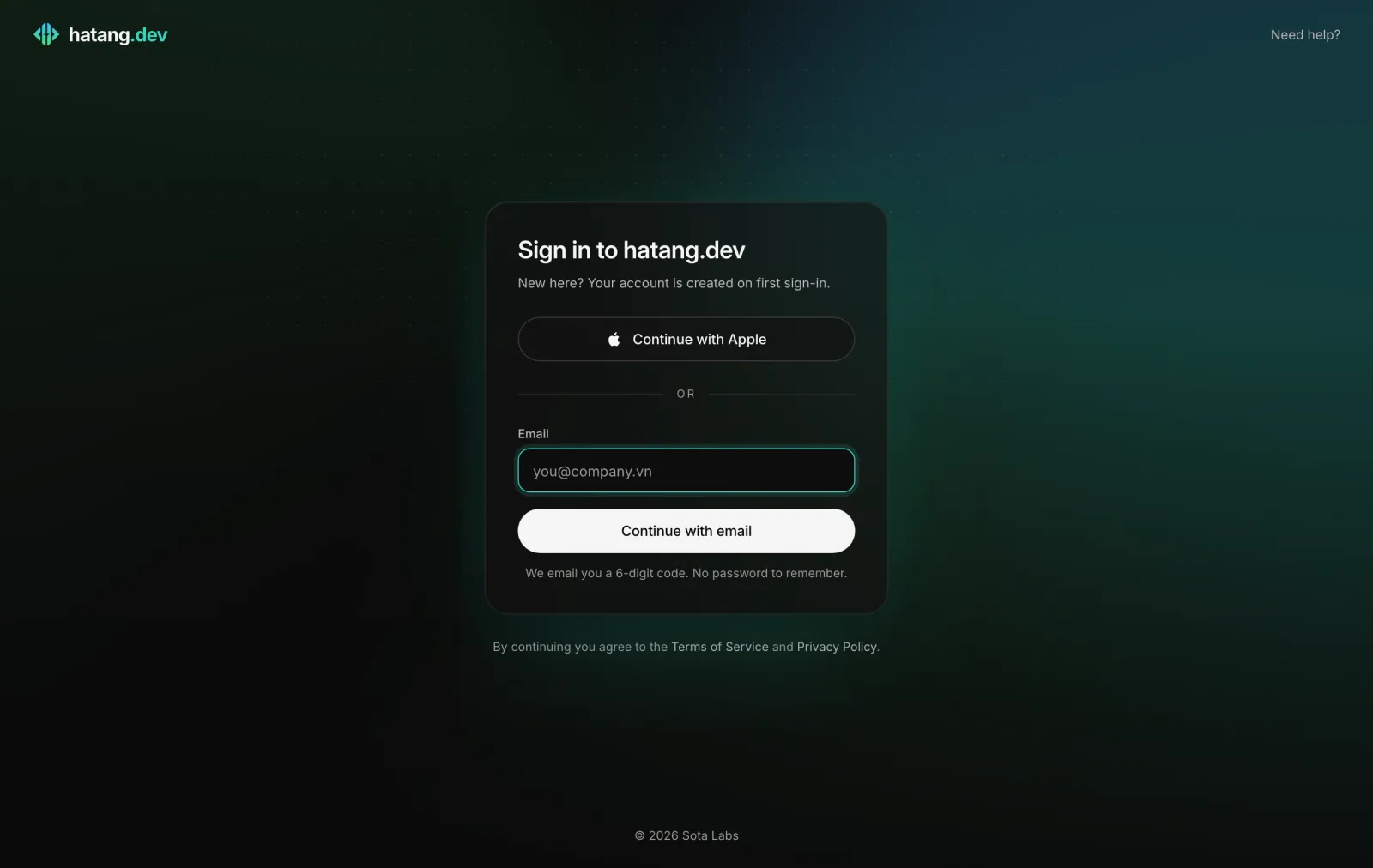
You sign in to the dashboard at app.hatang.dev with your email address. There is no password to remember or leak: each time, Ha Tang emails you a one-time code. Your first sign-in creates your account.
Sign in with an email code
- Go to app.hatang.dev. The page says Sign in to hatang.dev.
- Type your Email and click Continue with email.
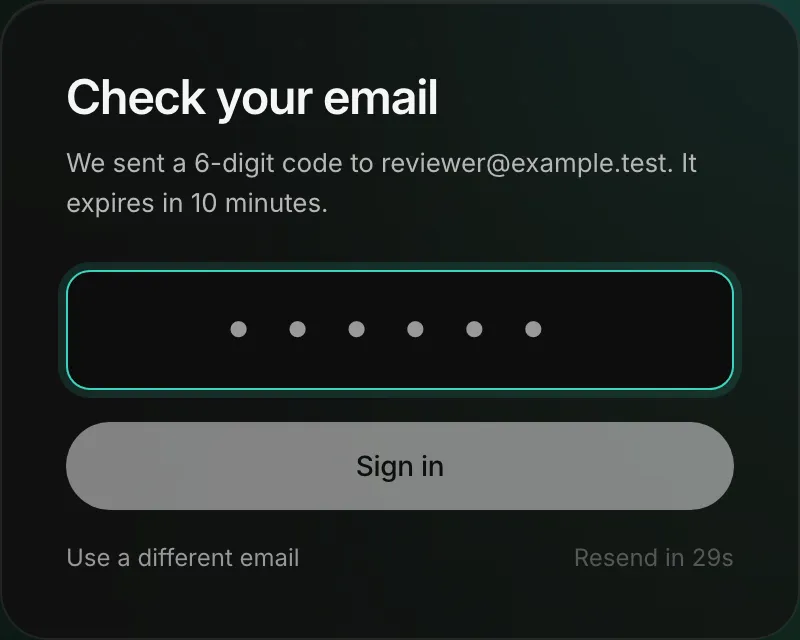
- Open the email from Ha Tang and copy the 6-digit code.
- Type it under Check your email and click Sign in.
The code is valid for 10 minutes and works once. If it has not arrived, wait for Resend code to become available and click it, or click Use a different email if you mistyped the address.
Sign in with Apple, Google or GitHub
When the sign-in page shows Continue with Apple, Continue with Google or Continue with GitHub, you can use that account instead of a code. If its email address is the same as your Ha Tang account's, you land in the same account with the same businesses. If it is a different address, Ha Tang creates a new, separate account.
How long you stay signed in
A sign-in lasts 30 days and is extended while you keep using the dashboard, so on your own computer you rarely sign in again. Each browser and each app has its own sign-in.
Sign out
Click your name at the bottom of the sidebar and choose Sign out. You can also press ⌘K (Ctrl+K on Windows), type sign out and press Enter.
Always sign out on a shared or public computer. Signing out in one browser does not sign you out of your other browsers or the Ha Tang apps.
Your email address
Your email address is your account. The dashboard has no setting to change it. If you need to work under a new address, sign in with it once, and ask an owner or admin of each business to invite it (Invite employees); then leave each business with the old one, or delete the old account (Leave or delete a business).
Troubleshooting
| Message or problem | Cause | What to do |
|---|---|---|
| The code email does not arrive | Spam folder, a typo in the address, or a company mail filter | Check spam and the address; click Resend code; ask your IT team to allow mail from hatang.dev |
| That code is not right. Check the email and try again. | A typo, or a code from an older email | Use the code from the newest email |
| That code has expired. Request a new one. | More than 10 minutes passed | Click Resend code |
| Too many attempts. Request a new code. | Several wrong codes in a row | Click Resend code and use the new code |
| You land on Set up your business although your team uses Ha Tang | You signed in with an address nobody invited | Sign out and use the invited address, or ask to be invited (Invite employees) |
Useful next steps
Was this article helpful?
Related articles
- Create your account and businessSign up with your email in a minute, name your business and pick the modules you need. No password and no card required to start.
- How your data is protectedWhere your data is kept, how sign-in, connections and stored secrets are protected, and what stays under your control.
- Ha Tang apps for phone and MacAnswer customers from your iPhone, Android phone or Mac, with push notifications, quiet hours and the same inbox as the dashboard.
Not finding what you are looking for?
Our team answers in the chat, in English or Vietnamese.